FROM YOUR SHARE SHEET
Send it to Cookthis.
Install this Apple Shortcut once. It sends only the link or text you share to cookthis.app.
Download Cookthis ShortcutShow the animated guide
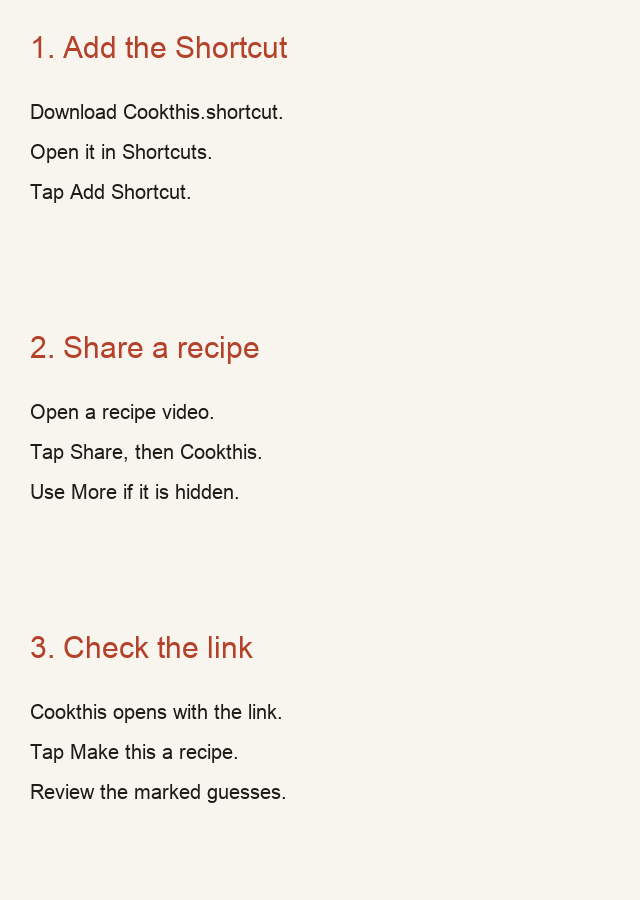
- Open the downloaded file in Shortcuts and choose Add Shortcut.
- In a recipe video, tap Share. Choose Cookthis in the share sheet. If it is hidden, choose More.
- Check the link in Cookthis and tap Make this a recipe.
Setup takes about 30 seconds once the file is downloaded. If the app only offers Copy link, copy it and paste it on Cookthis instead.
This Shortcut uses the public cookthis.app address. Local development does not make that address live.